Home & platform report
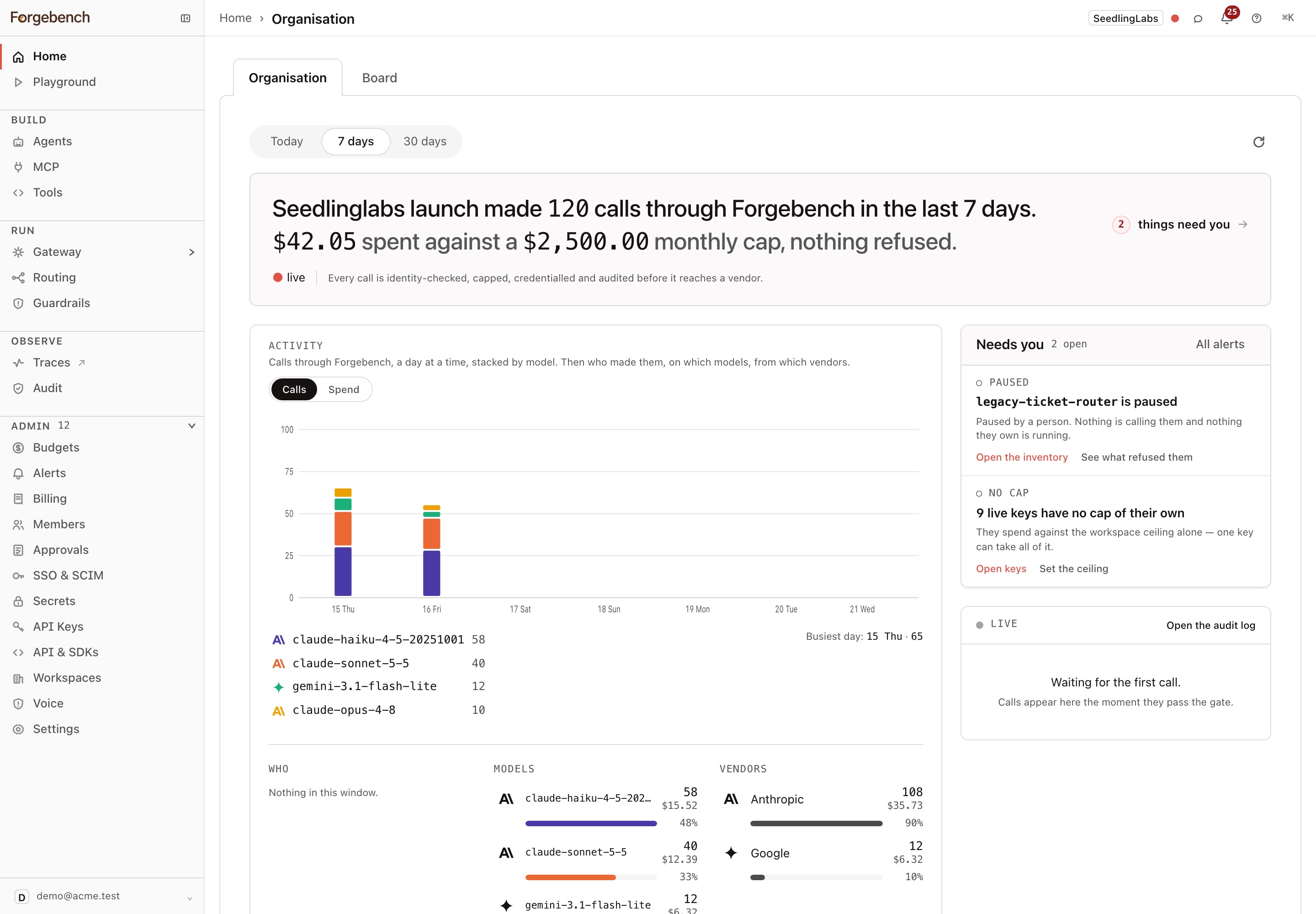
Home is the first page you see in the console. It has two tabs, and the console remembers which one you used last in this browser.
- Organisation (default): your workspace's AI traffic for Today, 7 days or 30 days. It shows who made calls, which models and vendors they used, live calls, and trends. Needs you lists items to act on, such as budgets near their cap, pending approvals and refused calls, each linked to the page that fixes it.
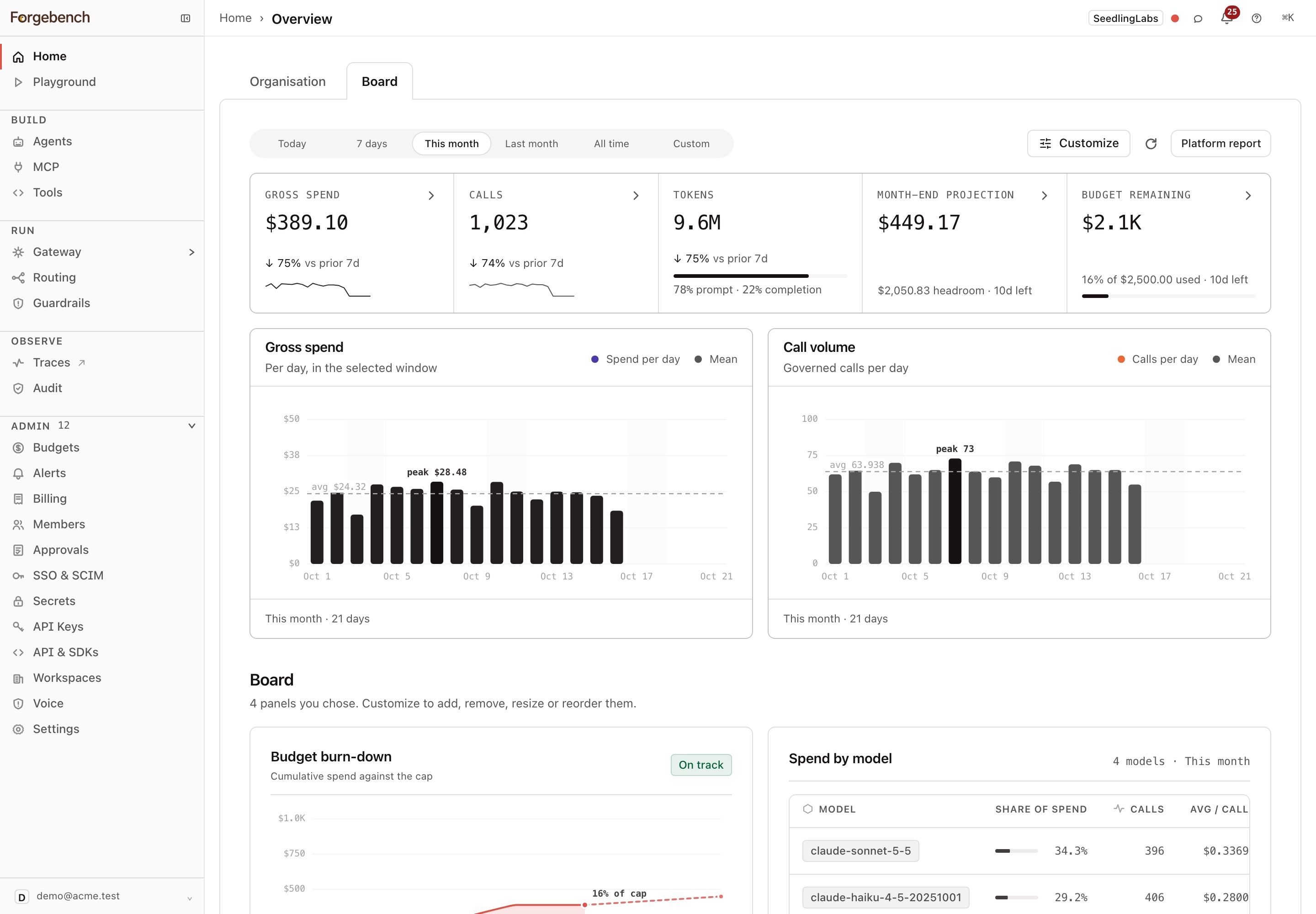
- Board: spend, calls, tokens, month-end projection and budget remaining for Today, 7 days, This month, Last month, All time or a Custom range, plus panels you add with Customize. Your layout is saved in this browser, per workspace. The Board is admin-only.
Platform report
The platform report is a PDF summary of your workspace for engineering leadership: who and what uses Forgebench, spend against budget, governance, and what stood out. Only admins can download it.
Open the Board tab
On Home, switch to Board.
Click Platform report
The button is in the Board's toolbar.
Pick the period
Choose Week, Month, Quarter or Custom. For a week, month or quarter, pick a recent period; the current one is marked "so far". For Custom, set a start and end date, up to 366 days.
Click Download PDF
Forgebench builds the report for that period and downloads it.
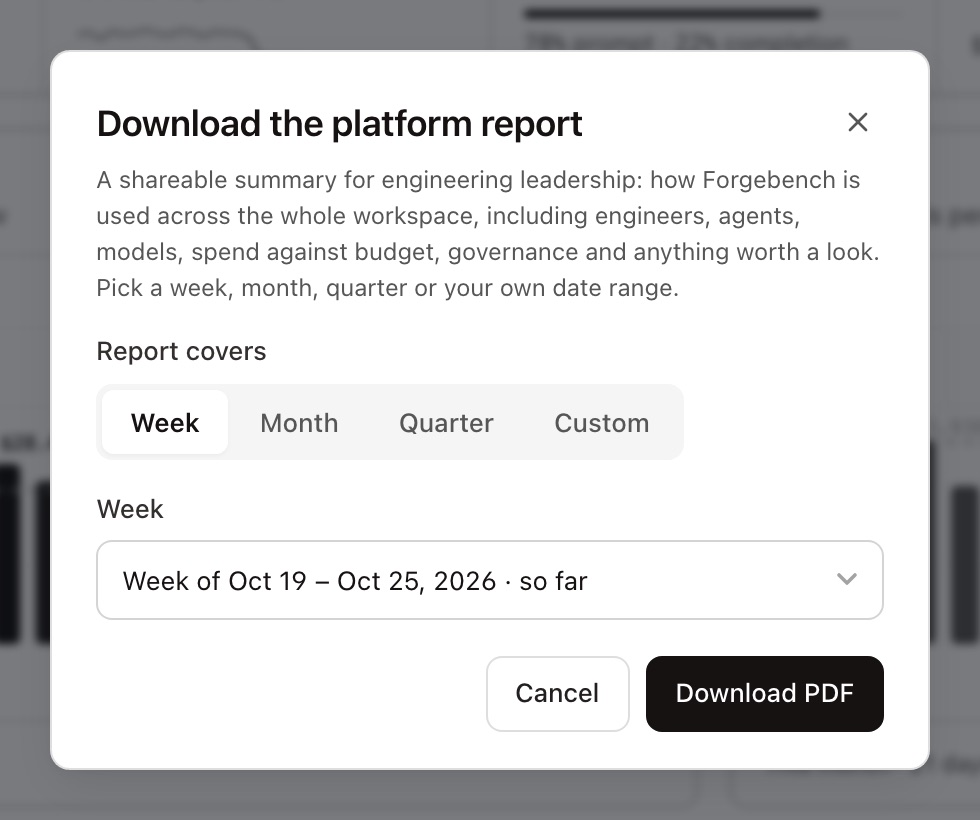
A custom range of up to 10 days uses the weekly layout, up to two months the monthly layout, and anything longer the quarterly layout.
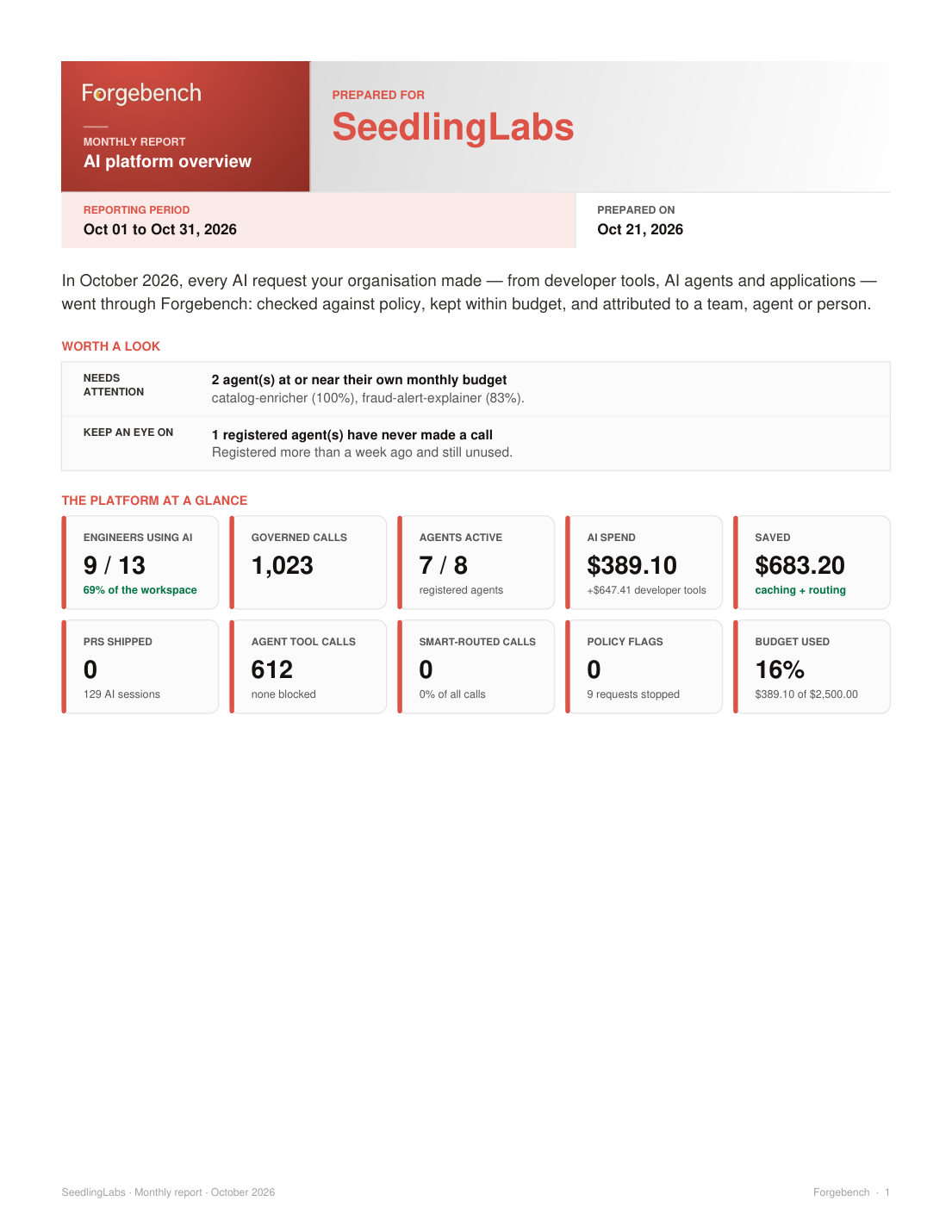
The report compares headline figures with the previous period, then covers agents and tools, models, spend and budgets, and governance and access. It also includes Developer insights · Gateway usage, built from calls your developers' keys made through the gateway. On plans with Session Insights, it adds Developer insights · AI coding tools.
A sample monthly report, page by page. Use the arrows or the left and right arrow keys.